
Removing a page from a drill
Here’s how to delete a page from your drill.
-
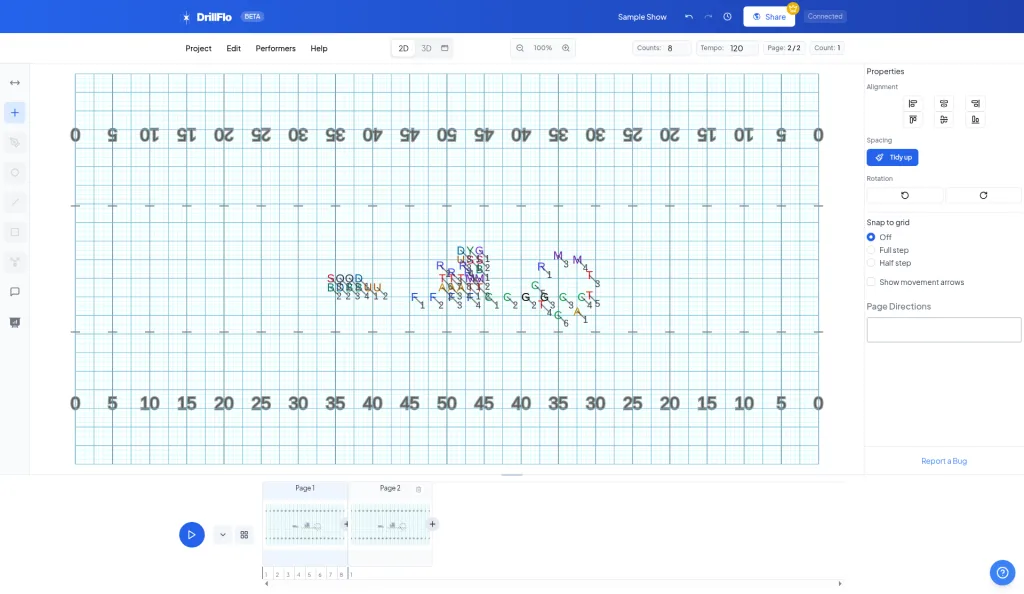
Find the page. In the timeline at the bottom of the editor, hover over the page number you want to delete. A preview of that page pops up.
-
Click the trash icon. In the preview, click the trash icon (Delete page). If the timeline is expanded, hover over the page and click the trash icon in its top corner.
-
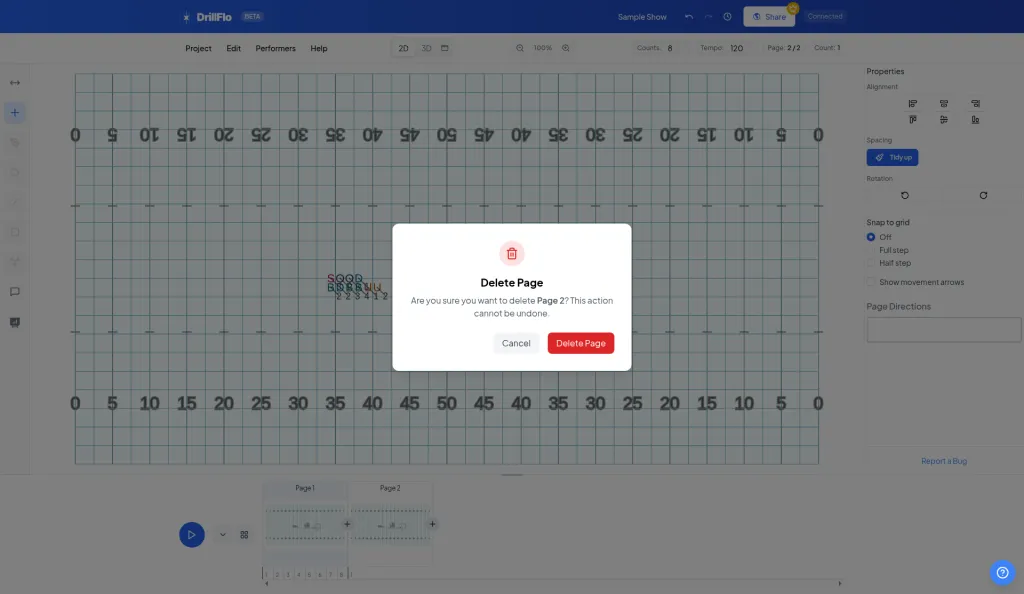
Confirm. A Delete Page box asks, “Are you sure you want to delete Page 3? This action cannot be undone.” Click Delete Page to remove it, or Cancel to keep it.
- Pages renumber. After you delete a page, the pages after it move up one number.
- One page is the minimum. A drill always keeps at least one page, so the delete button doesn’t appear when you only have one.
- Double-check first. Hover over a page to see its preview and make sure it’s the one you want to delete.